Installation sources
The installation sources for CyberElements Identity are available on the Systancia website. To access the download page, you need to have an account. It is possible to create one on the site (registration form, follow the procedure until you are recognized as a client).
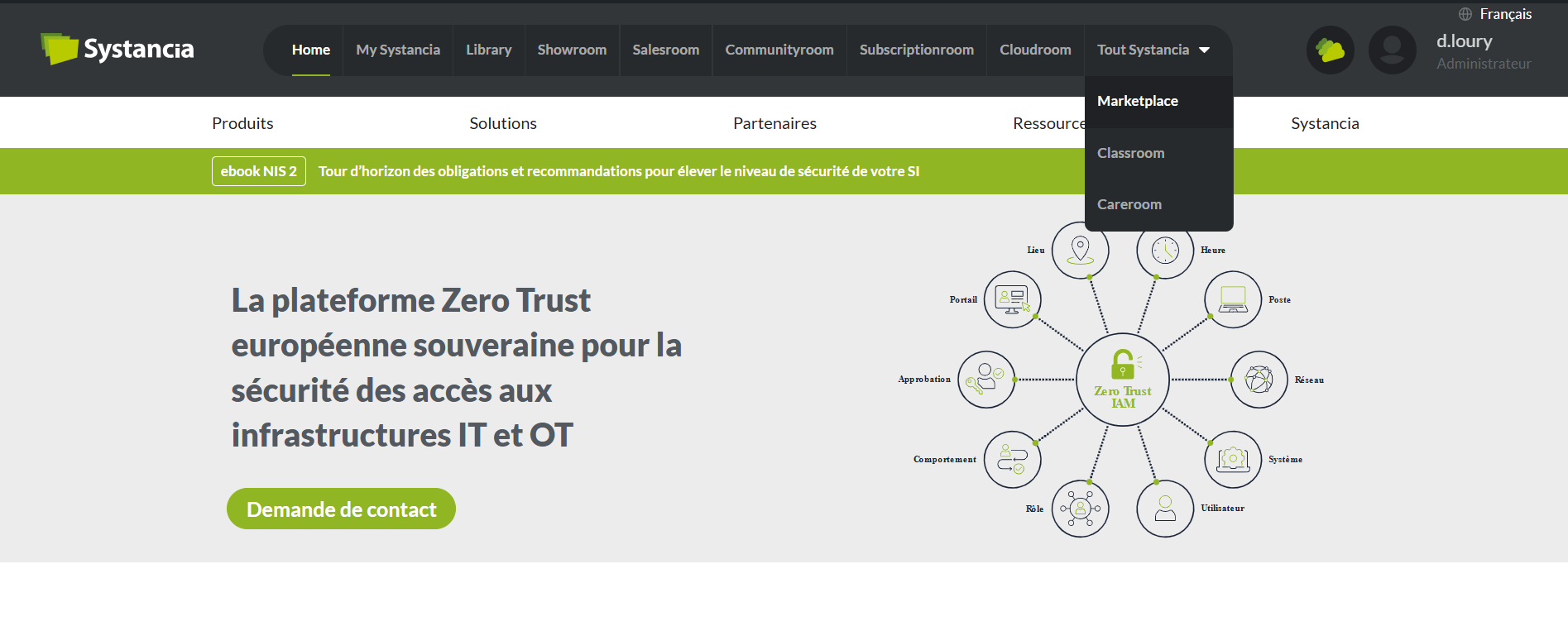
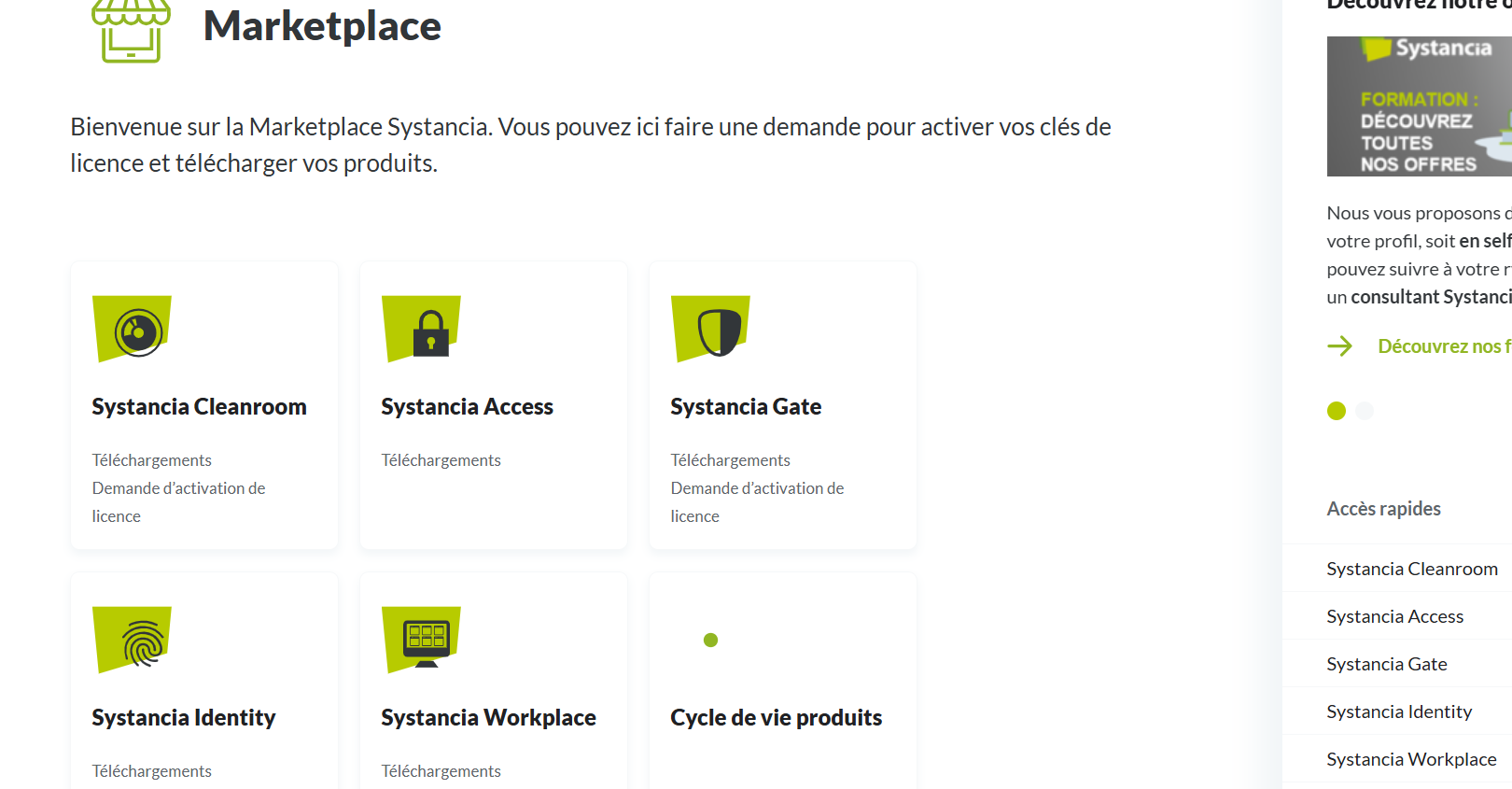
Once logged in, go to the “Marketplace” room to download the sources.
The CyberElements Identity 7.1 installation sources include the following files.
Installers
Cyberelements Identity Version 7.1.x.exe: the CyberElements Identity 7.1 installer, described on the page As part of a first-time installation;Systancia Identity Version 7.1.x.exe: the installer for the former interface modules;Cyberelements Provisioning Setup Version 7.1.x.exe: the CyberElements Identity Provisioning (SIP) installer, to install it separately;Cyberelements Federation Setup Version 1.0.x.exe: the CyberElements Federation installer, to install it separately;Systancia Identity Redistribuable Version 7.1.x.exe: the redistributable, used when the database server and the server on which the product is installed are different.
Prerequisites
dotnet-hosting-9.0.x.exe: the ASP.NET Core 9 Hosting Bundle (.NET 9 Hosting Bundle);Install-IIS-Features.ps1: the script that installs the IIS features;Install-URLRewrite.ps1: the script that installs the IIS URL Rewrite module;prérequis windows 2012 2016 2019.bat,Prérequis windows serveur 2022.batandPrérequis_WindowsServer2025.bat: the Windows prerequisite scripts, one per Windows Server version.
Warning
Only Windows Server 2025 is supported by CyberElements Identity 7.1: refer to the compatibility matrix.