PostgreSQL installation
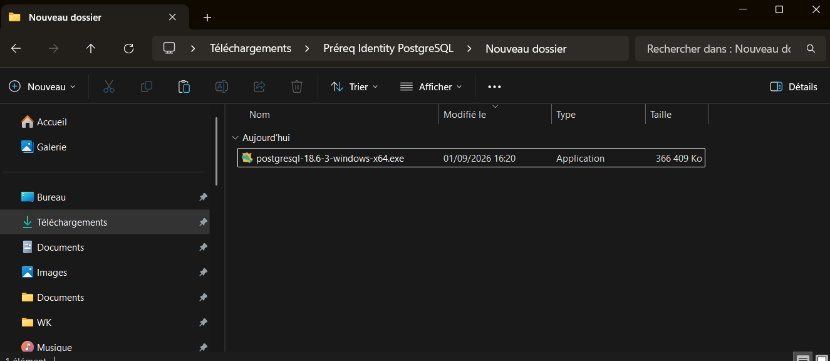
Copy the PostgreSQL installation setup to the database server.
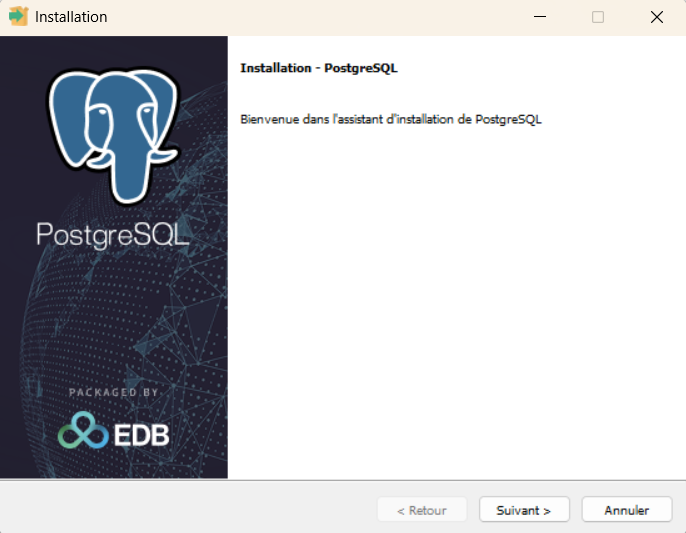
Run the PostgreSQL installation setup as an administrator, then click on “Next >”.
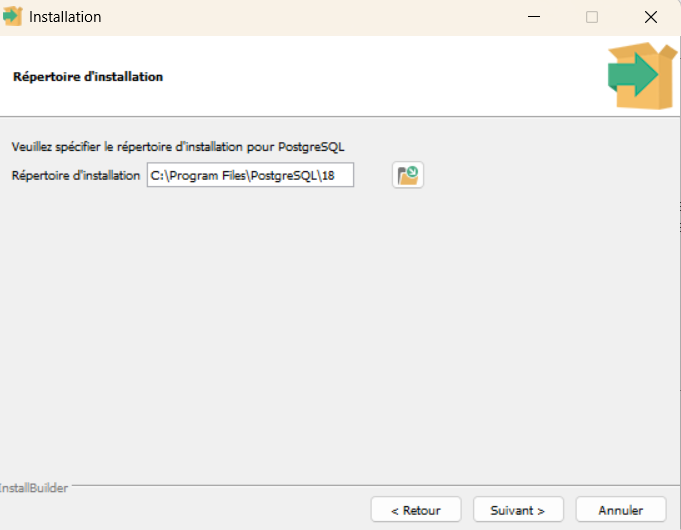
Specify the installation directory of the database engine, then click on “Next >”.
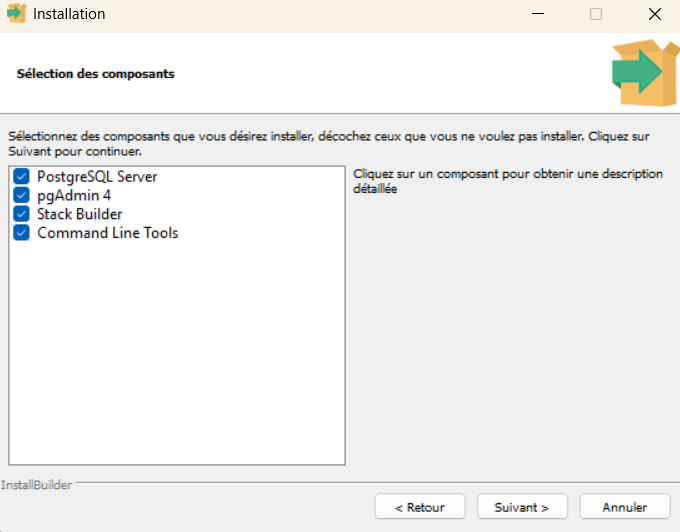
Select the desired components, then click on “Next >”.
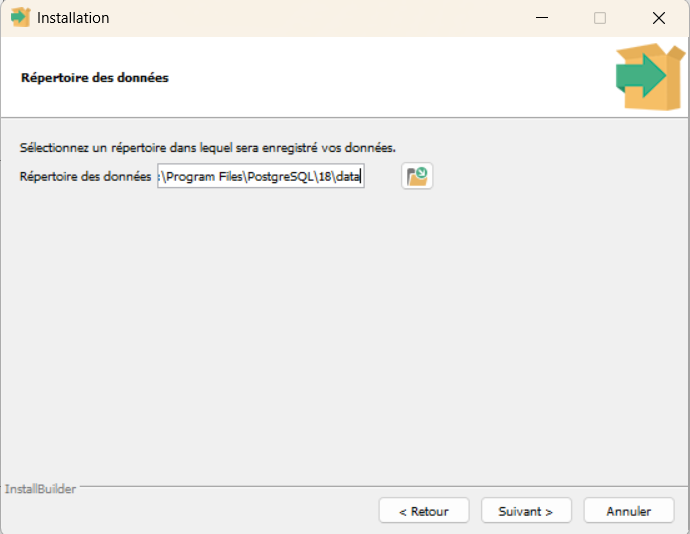
Specify the PostgreSQL data storage directory, then click on “Next >”.
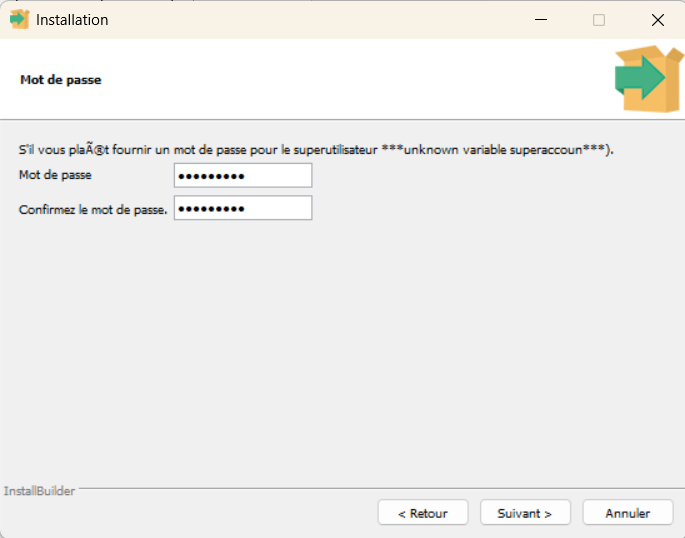
Enter the password of the “superuser” account, then click on “Next >”.
Note
This account will be used by Identity to connect to the database.
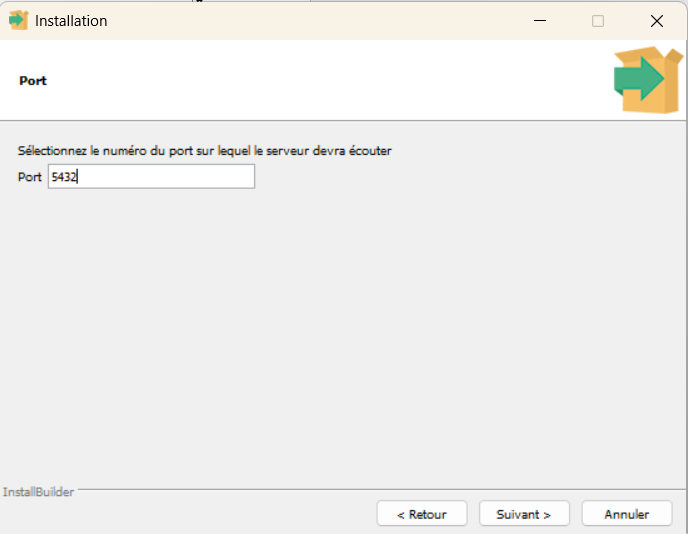
Specify the port number on which the database server must listen, then click on “Next >”. By default, port 5432 is used.
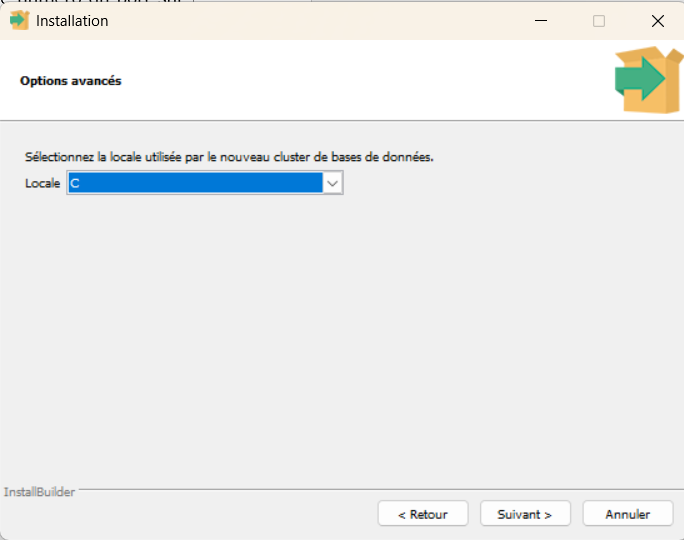
Leave the “Locale” value set to “DEFAULT”, then click on “Next >”.
Click on “Next >”.
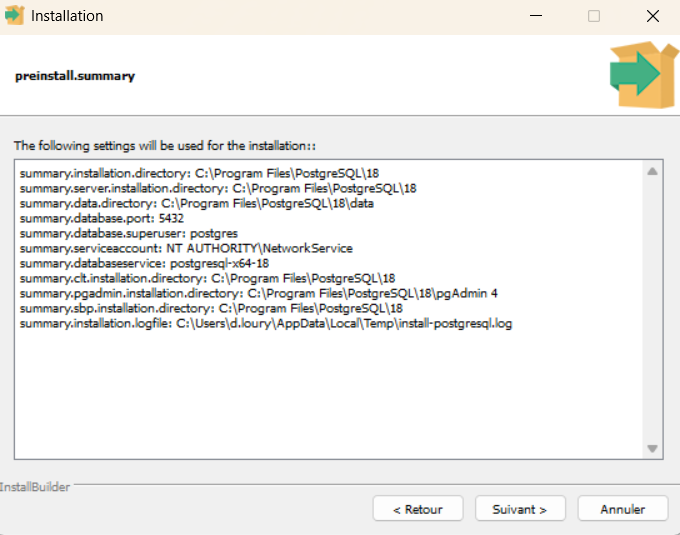
Click on “Next >”.
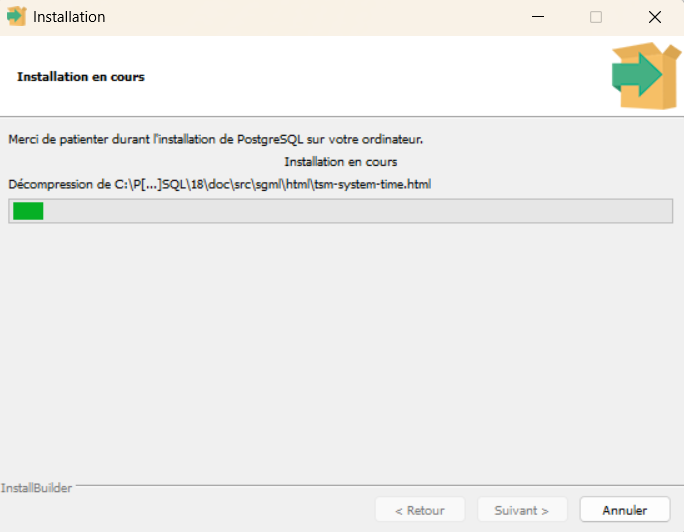
The PostgreSQL installation starts.
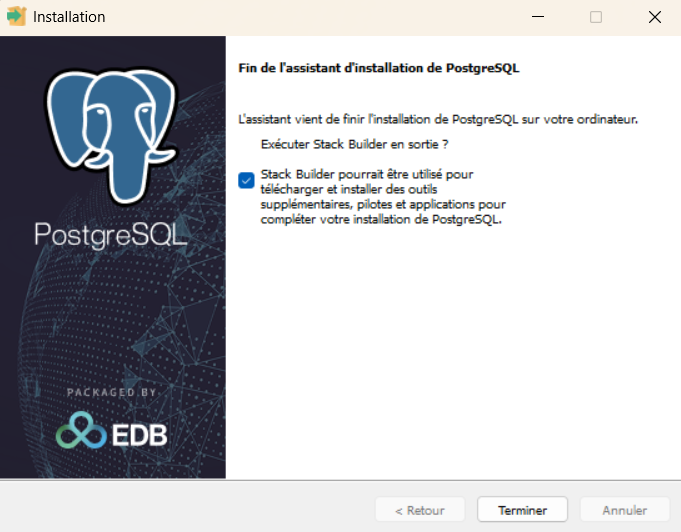
The installation of the PostgreSQL database engine is complete.
After the installation, continue with the PostgreSQL post-installation configurations:
-
Post-installation configurations
Remote access (
pg_hba.conf),psql.exetool, database initialization and Identity installer settings.