Browser condition
Availability of the condition
| Works without the client | Requires the client | Windows | macOS | Ubuntu |
|---|---|---|---|---|
The Browser condition recognises the browser used to connect: Firefox, Chrome, Edge, Safari, Opera, Konqueror, the Internet Explorer versions, or a name entered freely.
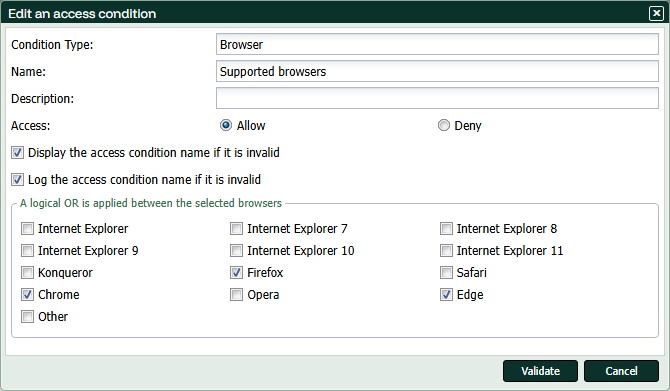
Identifying Cleanroom Desktop
Restricting browsers for compatibility reasons has lost much of its point. On the other hand,
the platform treats Cleanroom Desktop as a browser: the client identifies itself in the form
Cleanroom Desktop 1.2.3.4.
Desktop client and web portal
Ticking Other and entering Cleanroom Desktop targets exactly the accesses made from
that client. Attached to an access policy, the condition
therefore allows certain applications to be reserved for the Desktop client and others
for the portal, something no other object in the product allows.
This is today the main use of this type of condition.
Default value
Internet Explorer is ticked by default at creation. A condition saved without changing this choice recognises only that browser and, set to Allow if valid, closes access to every other one.
Limits
- Recognition rests on what the browser declares: a modified
User-Agentfools the condition. The condition is a tool for organising, not for security. - The list of offered browsers is fixed; anything else goes through the Other field, where the name must be entered exactly.
The details of the fields are in the module reference.