Check the Edge Gateway connection to the Mediation Controller
An Edge Gateway that has lost its link to the Mediation Controller keeps existing in the console but stops serving: its resources leave the user portal, and sign-in itself can fail when the access policies depend on that Edge Gateway.
This page gives the two signs that identify the situation, then the checks to run in order.
Recognising the situation
Two places show it, and they show it differently.
| Where | What you see |
|---|---|
| Administration console | In Gateways Management, the icon of the Edge Gateway turns red. It is green when the Edge Gateway is connected to the Mediation Controller. |
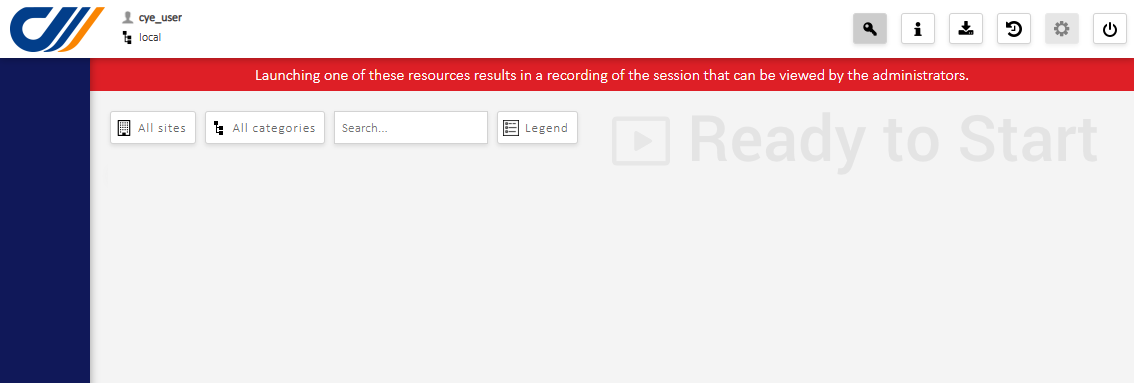
| User portal | The resources served by that Edge Gateway do not appear at all. If the access policies depend on the disconnected Edge Gateway, authentication itself may not complete. |
A resource that has disappeared is not necessarily a configuration error
The portal shows nothing when an Edge Gateway is disconnected — no error, no greyed-out entry. A user reporting that "the resource is gone" is therefore describing the same incident as the red icon in the console, not a second one. Check the icon before looking into the access policy.
Check 1 — The Edge Gateway machine is running
Start with the obvious: check that the Edge Gateway virtual machine is powered on. It is a frequent cause, especially after an incident on the hypervisor.
Check 2 — Traffic to the Mediation Controller is not blocked
The traffic to the Mediation Controller may be blocked by the network devices of your infrastructure. The check is run from the Edge Gateway itself, since that is where the connection originates.
Open an SSH session on the Edge Gateway, then read the address it is trying to reach:
1 | |
The line has the following form:
1 | |
Three values separated by colons: the address of the Mediation Controller, the port it is reached on, then the protocol — always ssl.
Several instances, several files
If several Edge Gateway instances run in parallel on the same machine, each has its own directory in the /etc/ipdiva/gateway*/ form. Read the file of the instance being diagnosed.
Then test the connection with the address and the port you have just read:
1 | |
This single command answers both questions at once: whether the connection is established, and which certificate the Mediation Controller presents. If it succeeds, the server certificate is displayed.
A connection that opens and then closes is an SSL inspection
The network flow may well be open and still be cut: if an IDS/IPS device performs SSL traffic inspection, the connection passes for about ten seconds, then gets closed as suspicious. SSL inspection must be disabled for the platform's traffic.
So do not conclude from the connection being established alone — watch whether it holds.
Check 3 — The Edge Gateway certificate has not expired
The Edge Gateway authenticates to the Mediation Controller with a certificate. An expired certificate produces the same symptom as a blocked flow: the Edge Gateway no longer connects, with nothing in the portal to say why.
If the first two checks come back clean, contact CyberElements support to have the validity of the Edge Gateway certificate confirmed.